
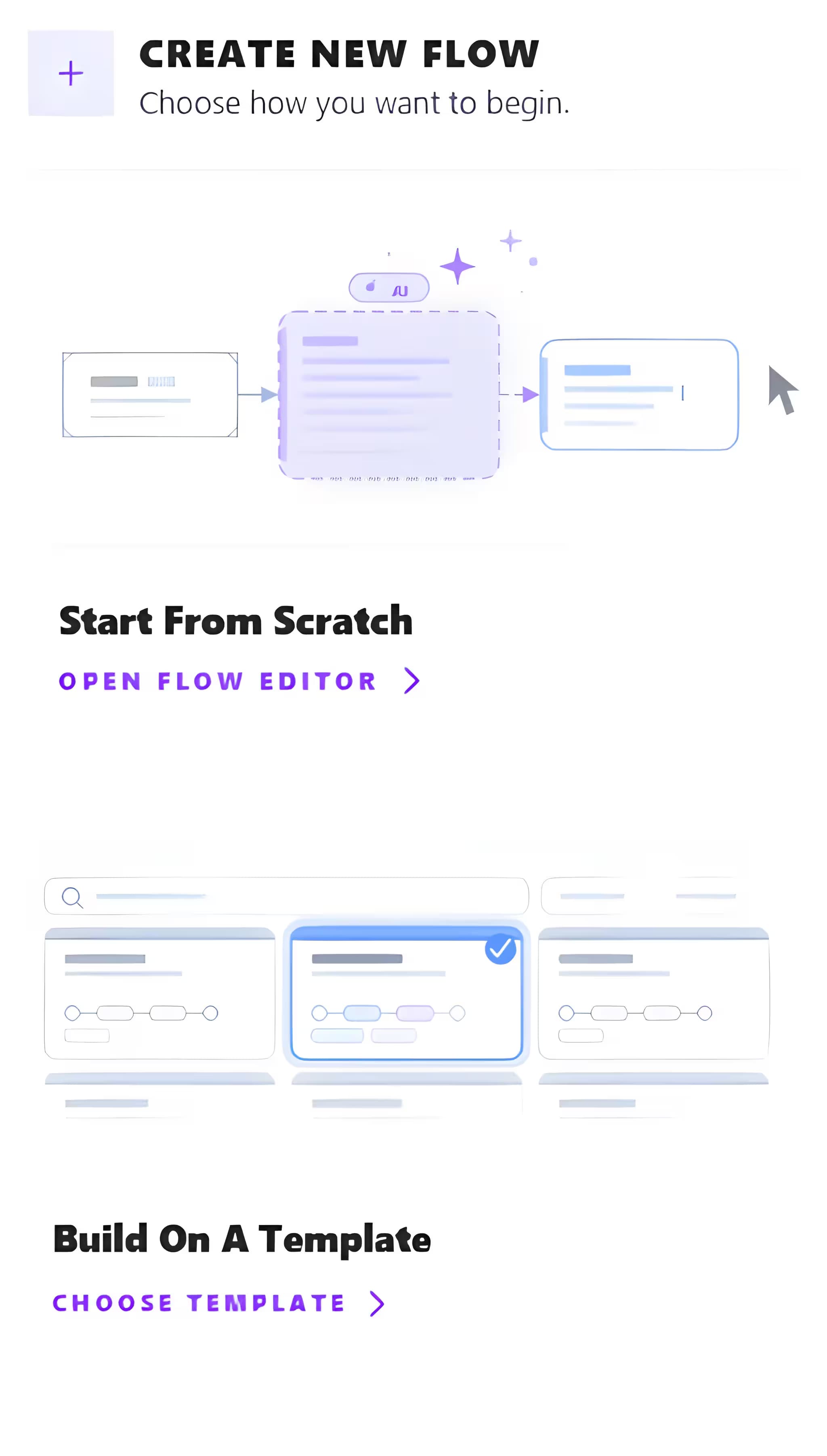
Create Your Flow
Start from a blank canvas with AI assistance that builds your flow in seconds, or pick from a library of fully configurable, production-ready templates tailored to your use case.
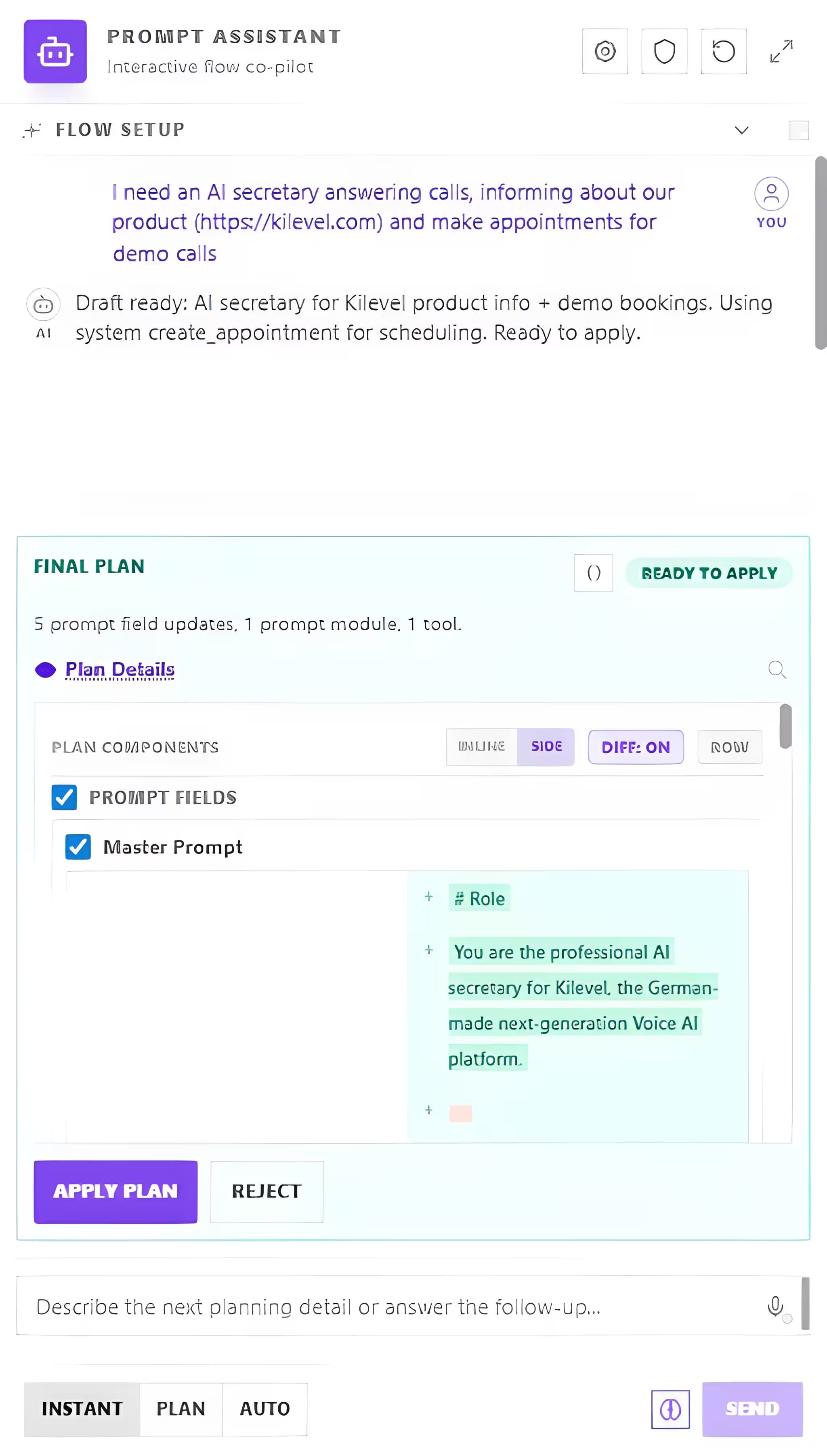
Describe to Our AI
Tell our AI exactly what your agent should do. Kilevel uses AI to build AI, every integration, logic block, and tool your flow needs is automatically generated. No code, no manual wiring.
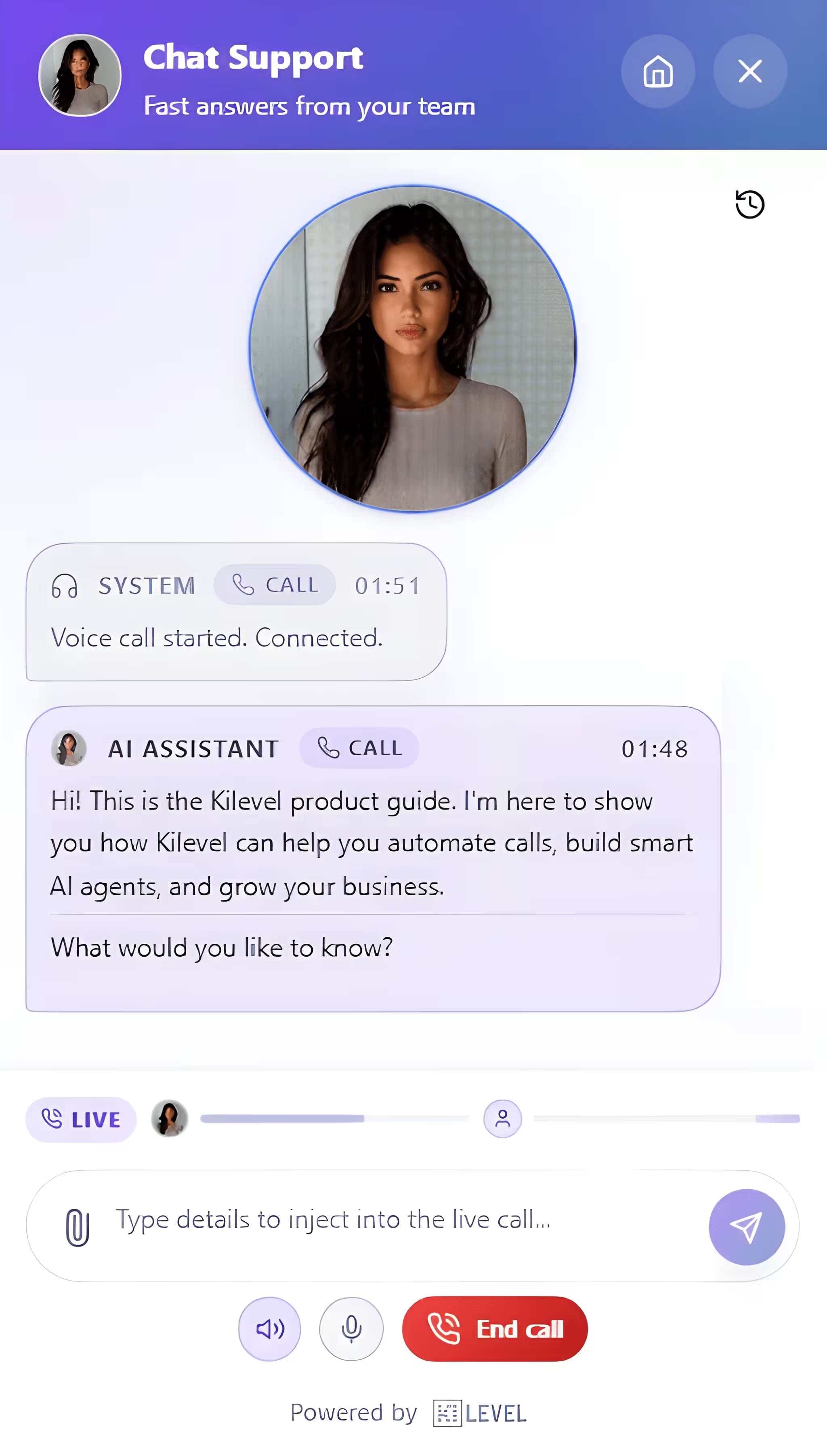
Launch. Anywhere.
Your configured AI Agent goes live instantly, handling inbound or outbound calls, web widget chats, WhatsApp, SMS, email, and more. One agent, every channel.
It Is a Box of Blocks
Every job an agent can do is built from the same few blocks. It picks up, or it rings out. It asks questions and listens to the answers. It looks something up in a system you already use. It hands the call to a person. It sends a message, or starts the next thing, once the call is over.
Booking an appointment, chasing a quote, running a survey, taking a support call: those are not four different products. They are four ways of clicking the same blocks together. Plenty of jobs use three of them and leave the rest in the box, and that is fine.
Build It Once, It Works Everywhere
You do not build one for the phone and a second one for WhatsApp. The same thing answers a call, chats in the widget on your website, and replies on WhatsApp, SMS or email. Where a channel has no buttons, a list of choices simply arrives as numbered lines — so nobody has to keep a second copy that slowly drifts away from the first.
- BECAUSE SOMETHING WAS SAIDA word, a number, an answer you were waiting for, and the next step starts by itself
- AT A TIME YOU PICKTomorrow at nine, every Monday, the evening before an appointment
- ONLY IF YOU SAY YESA step that waits for a person to approve it before anything leaves the building
The blocks are rarely the problem. The system next door usually is. If something has to be written into a program that has no way in from the outside, that is what stops you, and no amount of clicking blocks together gets around it. Worth checking first, because it is usually the only thing worth checking.
Need a custom rollout?
Start from one example and tailor the rest with AI.
Kilevel can generate the flow structure, tool wiring, and channel logic for your exact business context.